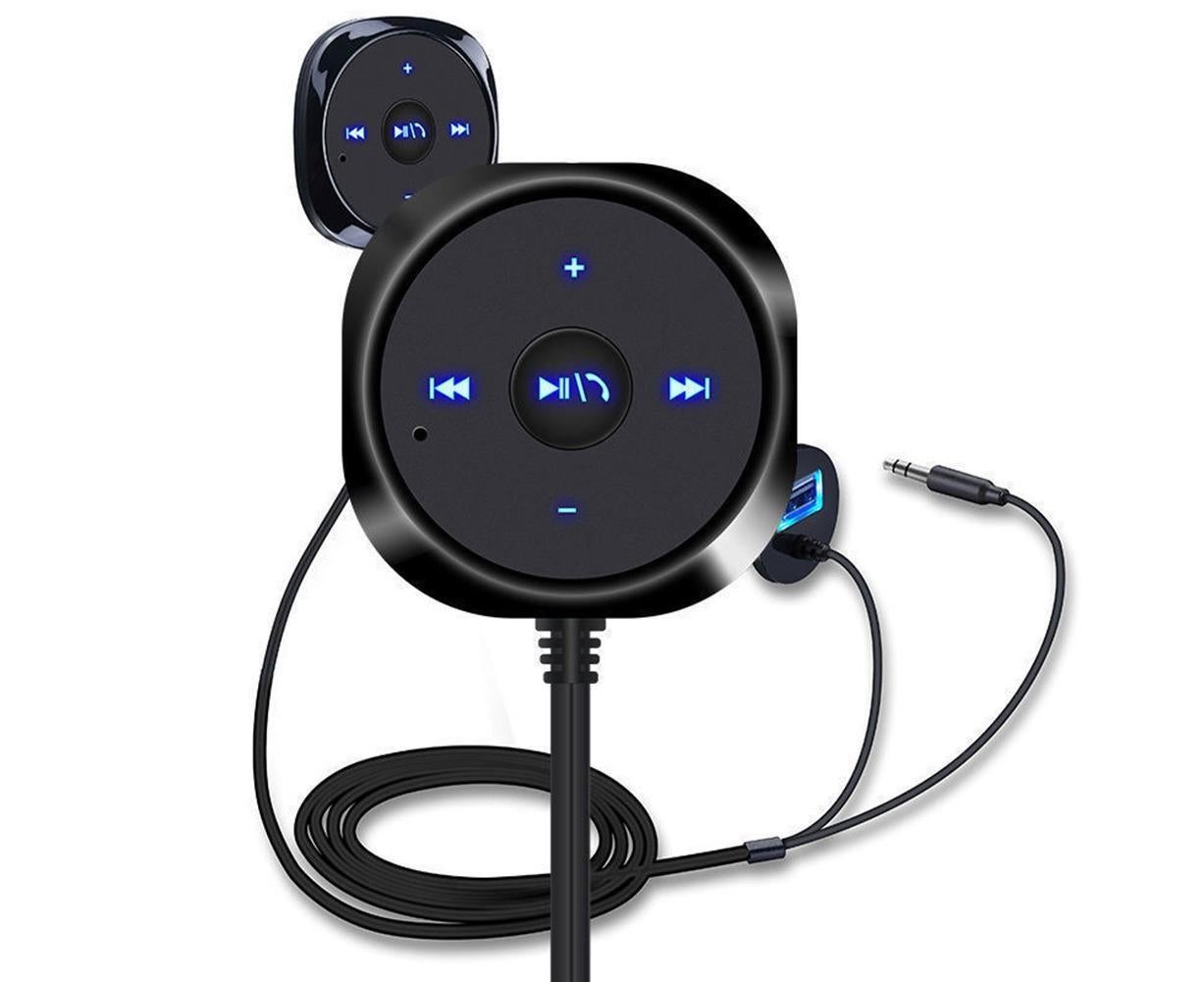
Bluetooth Wireless Receiver Adapter Dongle for Car Stereo Audio Speaker Charger - Black
Product ID: TR-DZ-017511
A$35.95
In stock (checked 1 Nov 2026)
Secure checkout by Stripe. Order by email
- Price includes delivery to Sydney metro, other areas confirmed before dispatch. Outside Sydney metro we may contact you to confirm delivery, or refund you in full if we can’t deliver. Usually delivered in 5–10 business days.
- Australian Consumer Law guarantees apply. Returns
- Questions? hello@toolrank.io
Details
Specification:
Easy and simple to upgrade your car stereo bluetooth-compatible hands-free wireless audio!
Play your smartphone, iPad, iPod, and other devices with bluetooth-compatible products to music on, you can make your way through the wireless from your car stereo to play back synchronized to music on your smart device!
You can in the car within the scope of smart devices cozy browse your music on the list to select their own favorite music play/pause; previous song; next song, music selection, hands-free calls, etc.
Up to 90dB SNR and low audio distortion of 0.05, fully satisfy your demand for high quality audio!
Support bluetooth-compatible hands-free function, you can listen to music while the bobble any phone!
Supports all with AUX input of the car stereo!
Item Name: bluetooth-compatible Audio Receiver
Input: 12-24V
USB Output: 5V/2.1A
Working Temperature: 0-60
SNR: gt;90dB
THD: lt;0.05
Bluetooth Version: Version 2.1EDR
Bluetooth Transmission Distance: lt;10M
Fit for: for iPhone, for iPod, for Samsung
Features: bluetooth-compatible Receiver, Car Accessory, Practical, Wireless Design
Cable Length: 105cm/41.34inch (Approx.)
Initial Setup:
1. Insert the power plug into your car 12V power outlet(also known as the cigarette lighter).
2. Insert the audio cable into your car AUX port. If the cable is too short, use the extension cable included in the package.
3. Turn on your car stereo and set the input source to AUX.
How to Pair:
1. Press and hold the inchplay/pause/answerinch button until the button starts flashing.